Turkey Tracks
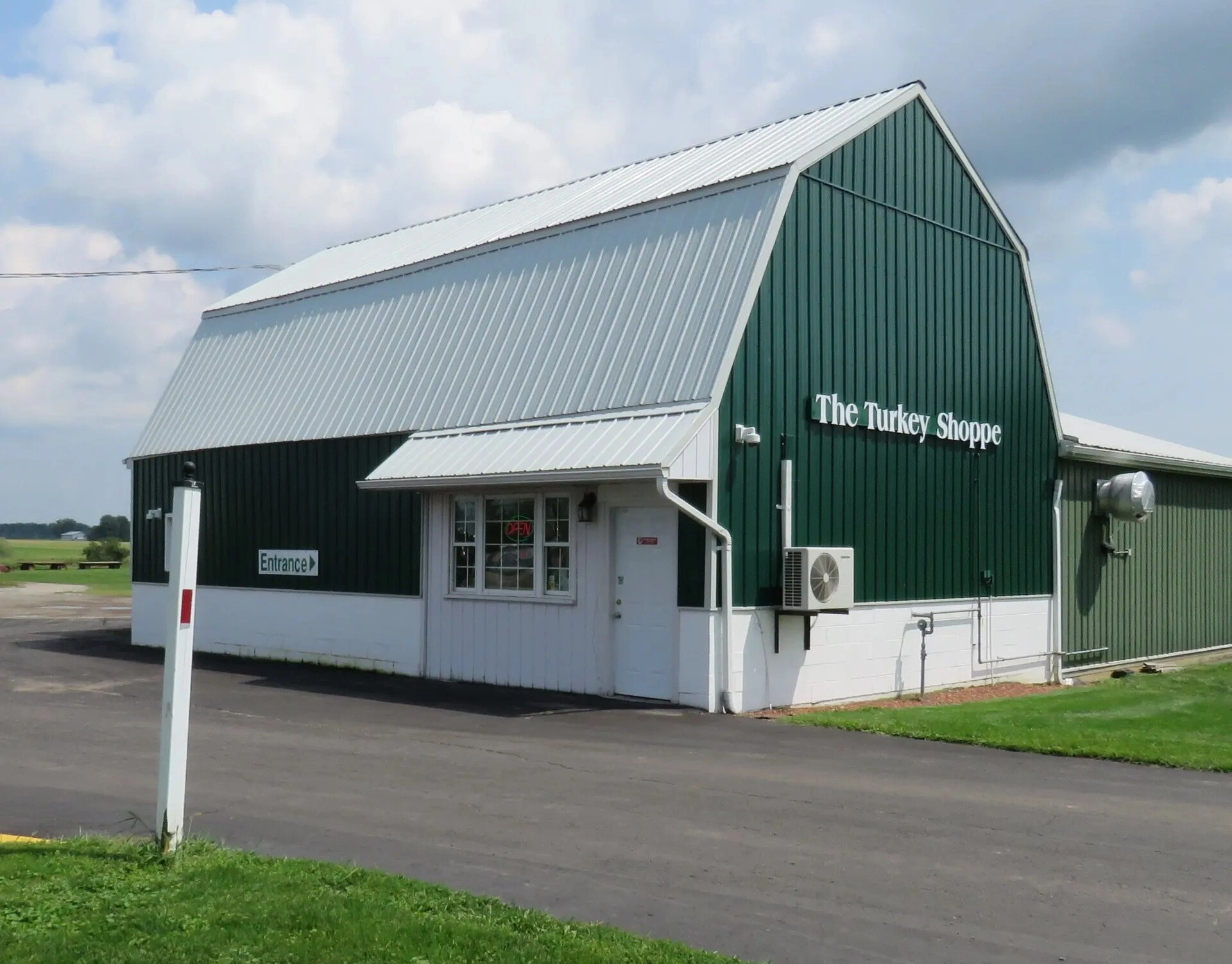
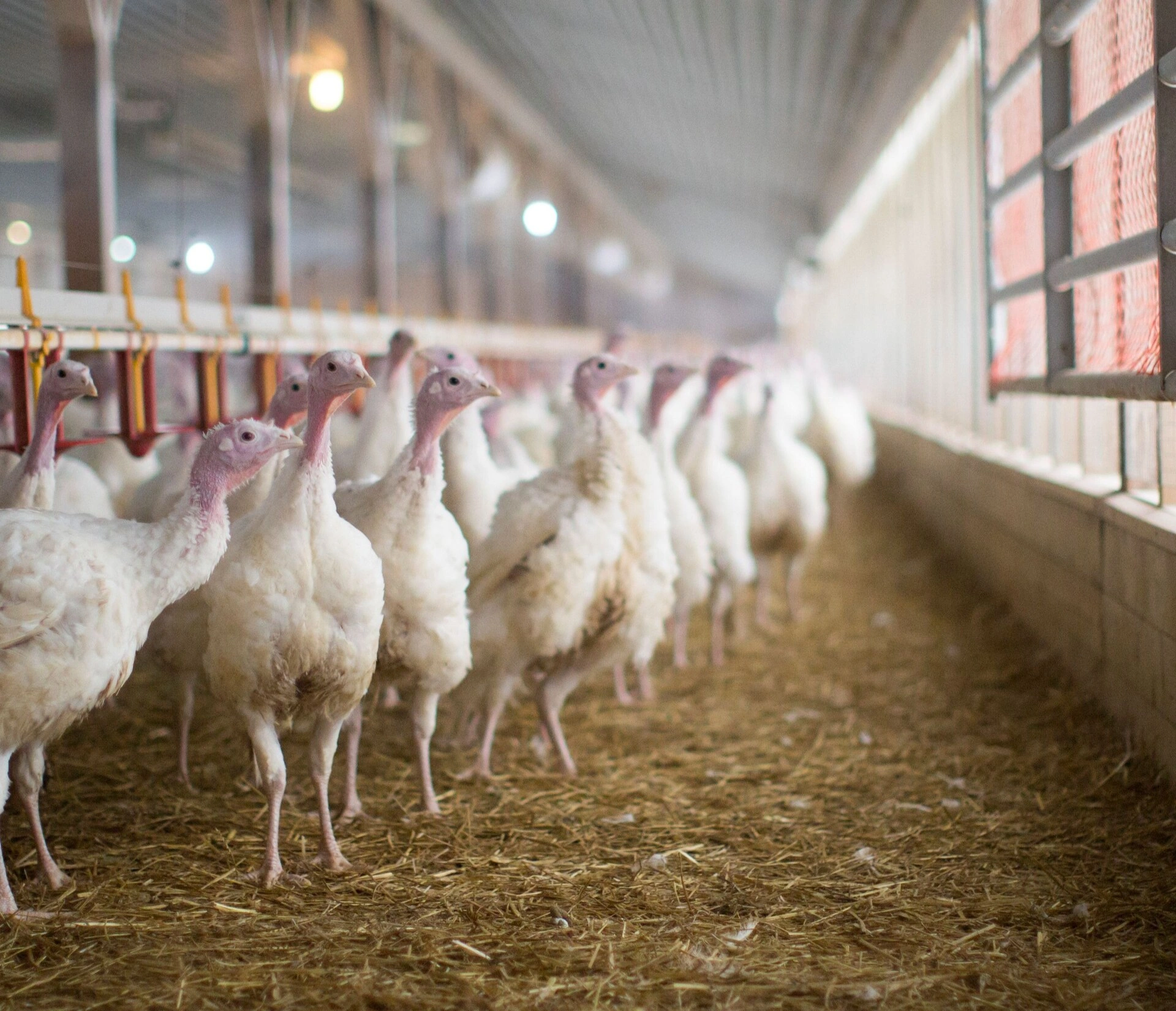
The Turkey Shoppe in Talbotville, Ontario sells fresh turkeys from Oegema Turkey Farms. At Thanksgiving, Christmas and Easter, hundreds of customers order a bird of a certain size and pick it up on a set day. Matching every order to the right bird ran on an old Windows program that only a few people knew how to use.
Challenges:
Matching Birds to Orders: Customers ask for a weight, but every bird is different. Staff matched them by hand, so some customers got birds far from what they asked for.
Aging Software: The old desktop program ran on one computer, was hard to learn, and could not be changed easily.
Busy Pickup Days: On pickup days, lines formed at the counter while staff searched for orders and swapped birds.
Blueprint built Turkey Tracks, a web app that runs the whole season in one place.
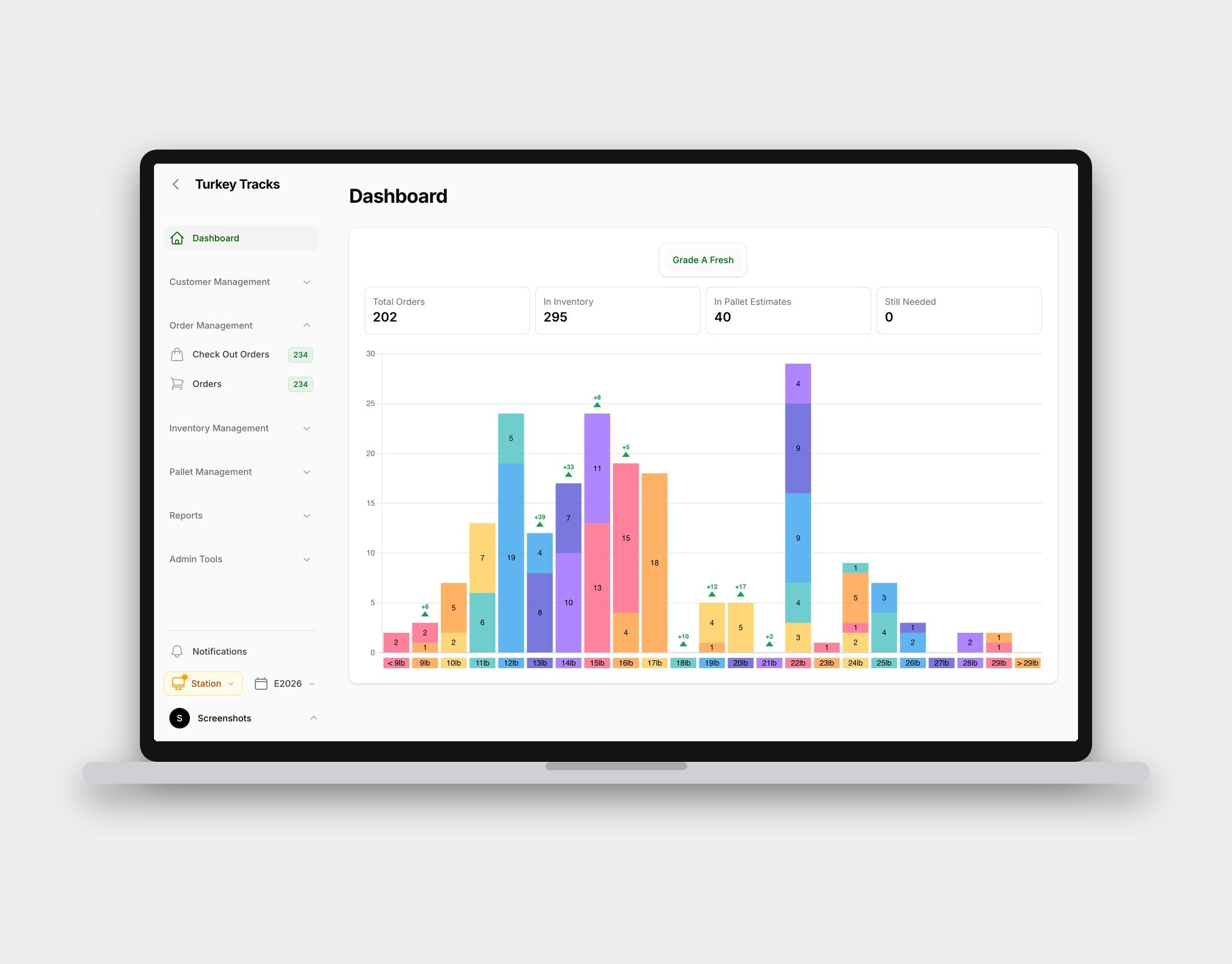
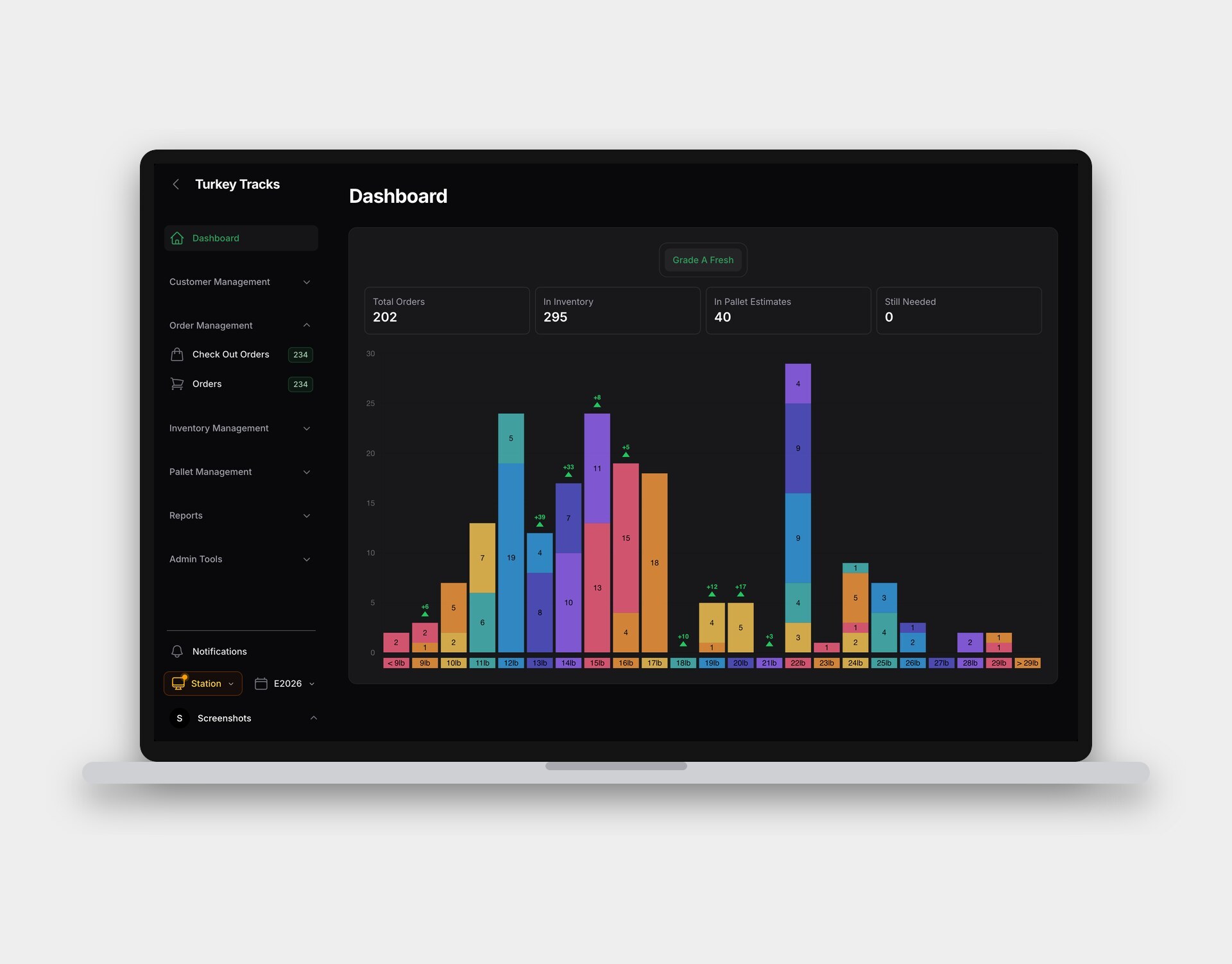
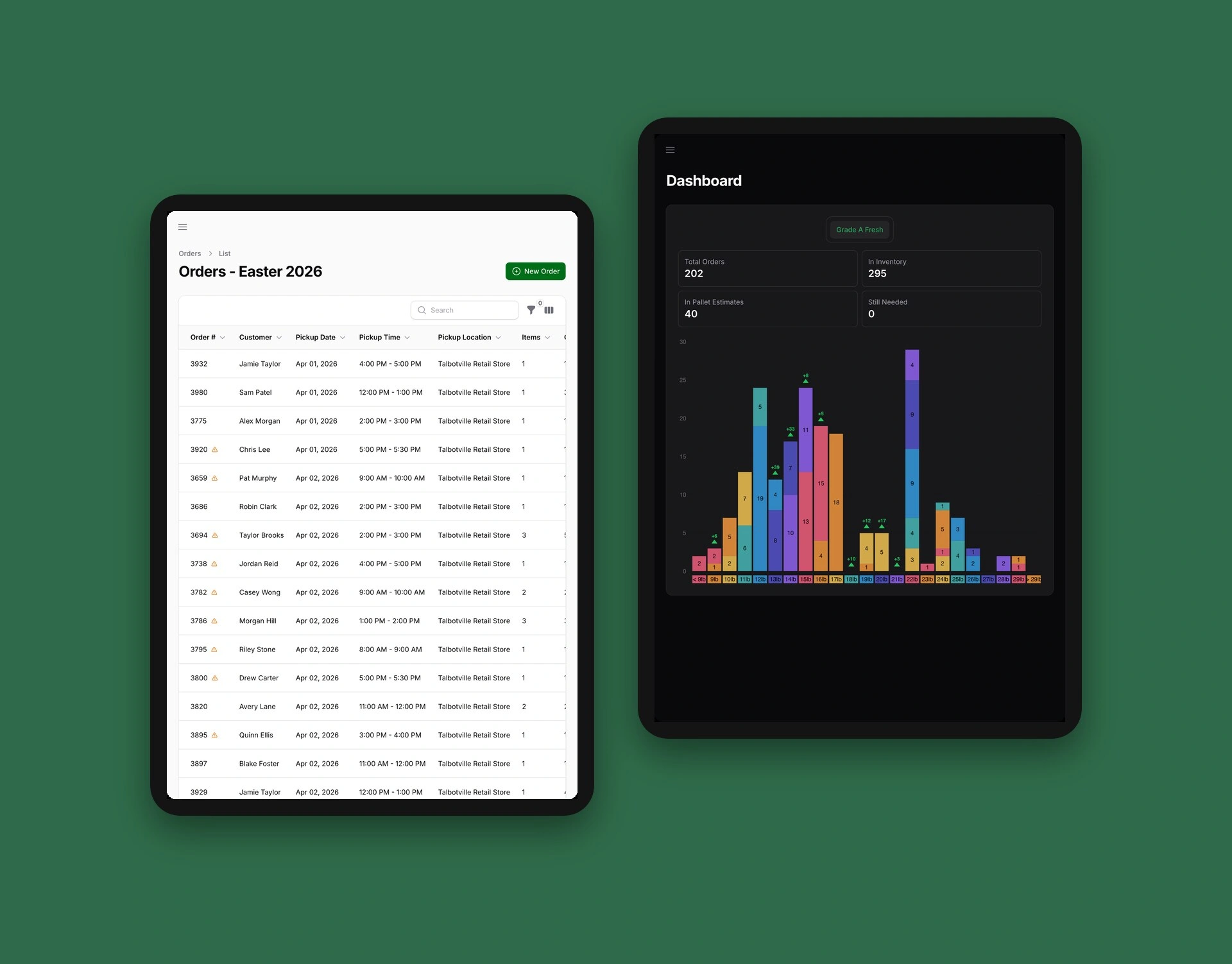
Online orders import straight in. Pallets are scanned in as they arrive, a planner matches every bird to the closest order by weight, and a live chart shows birds on hand, pallets on the way and orders for each size.
On pickup days, several counters check out at once. Staff can work in light or dark mode.
Scanning Pallets In
Every case that comes off the truck needs its weight recorded. Typing hundreds of weights by hand was slow and easy to get wrong.
Now staff scan the label on each case. Turkey Tracks reads the weight from the barcode and counts the bird under the right size. The scan box turns green when it is ready, and each scan lands on a receipt beside it, so a wrong scan takes one click to undo.
Inventory is right as soon as the pallet is unloaded, and the planner can start matching birds to orders.
Checking Out Orders
On pickup days, every minute at the counter adds to the line.
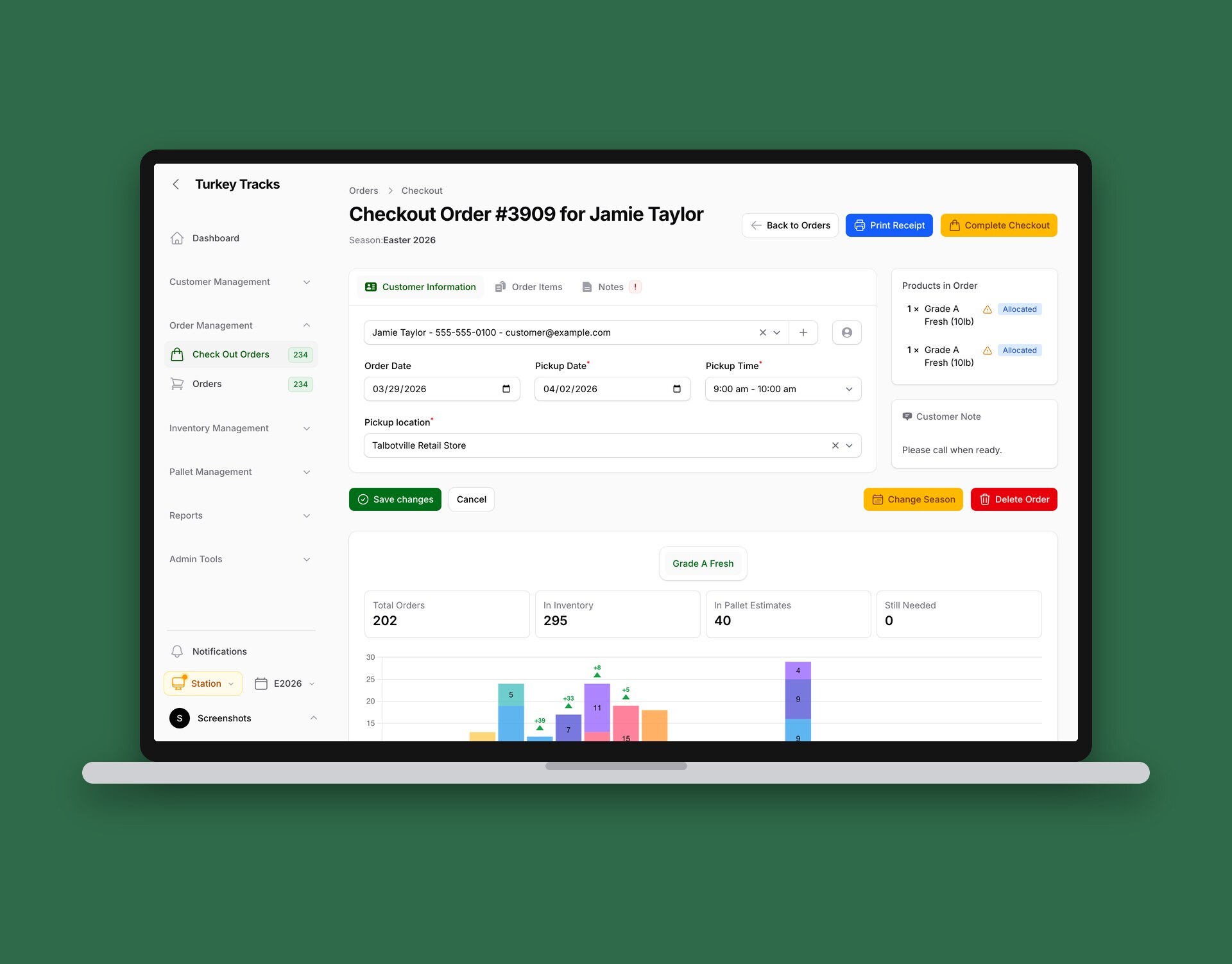
The checkout screen puts one order in one place: the customer, their pickup time, any notes and the birds the planner set aside for them. Staff confirm the birds, print the label and complete the order in a few clicks.
Below the order, a chart shows how many birds of each size are still needed, so staff know what is left before the next customer steps up.
Checkout Stations
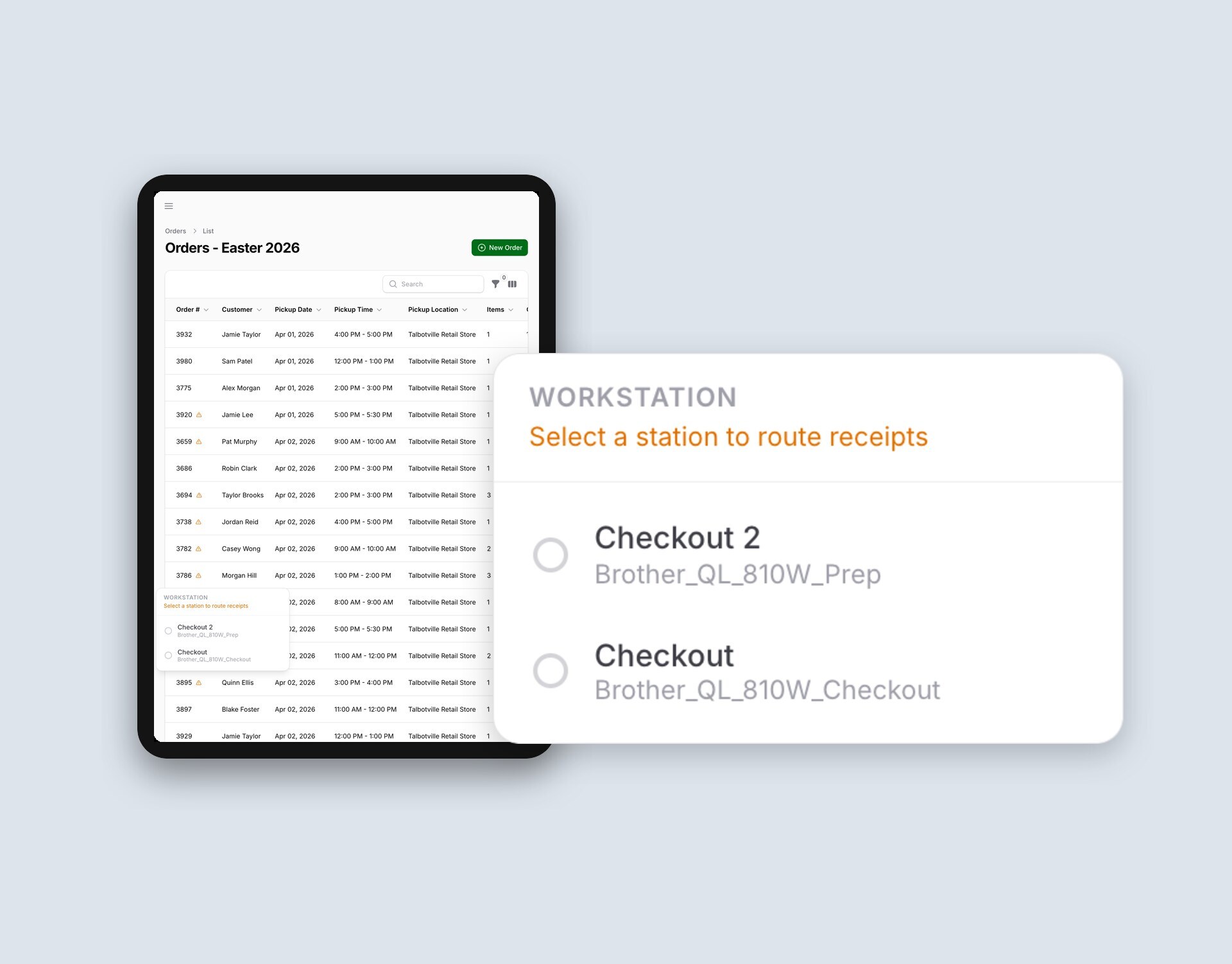
On the busiest days several counters run at once, and each one needs its labels to come out of its own printer.
Staff pick their counter once from the station menu. From then on, every label prints straight to that counter’s wireless printer, with no print dialog to click through.
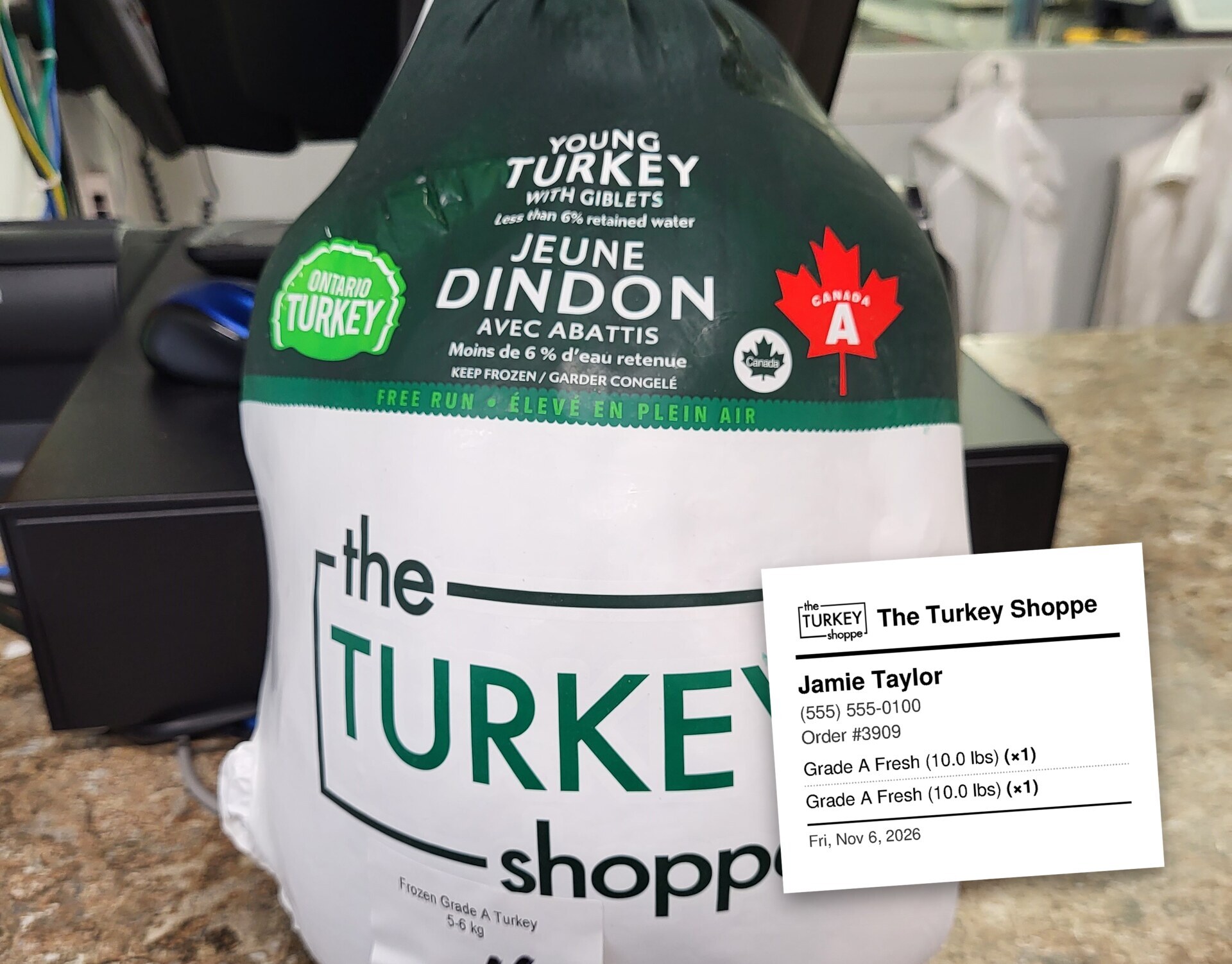
Each label shows the customer, order number and each bird’s weight, so the right bird goes home with the right person.
Results
- Better Fits: Customers get a turkey close to the size they ordered, and staff no longer match birds by hand.
- Shorter Lines: Several checkouts run at once, each printing its own labels wirelessly, so pickups keep moving on the busiest days.
- No Typing at Check-In: Barcode scans record each case’s weight, and the scan receipt catches mistakes before they are saved.
- Demand at a Glance: Managers see stock, incoming pallets and orders for every size on one chart.
- One System: Orders, inventory and customers live in one place that any staff member can use from a browser.